Selecting a Payment Method for Digital Services That Charge Frequent Small Amounts
Making frequent micro-purchases has become a daily routine for digital consumers in Korea. Whether you are buying individual webtoon chapters on Naver, purchasing KakaoTalk emoticons, making small in-app purchases in mobile games, or donating $1 to overseas creators on Patreon, small charges add up quickly.
However, how you pay for these microtransactions determines whether your monthly bank statement remains clean or becomes an unmanageable mess. Even worse, if you use a standard credit card for small foreign currency charges, hidden transaction fees can easily cost you more than the actual item you bought.
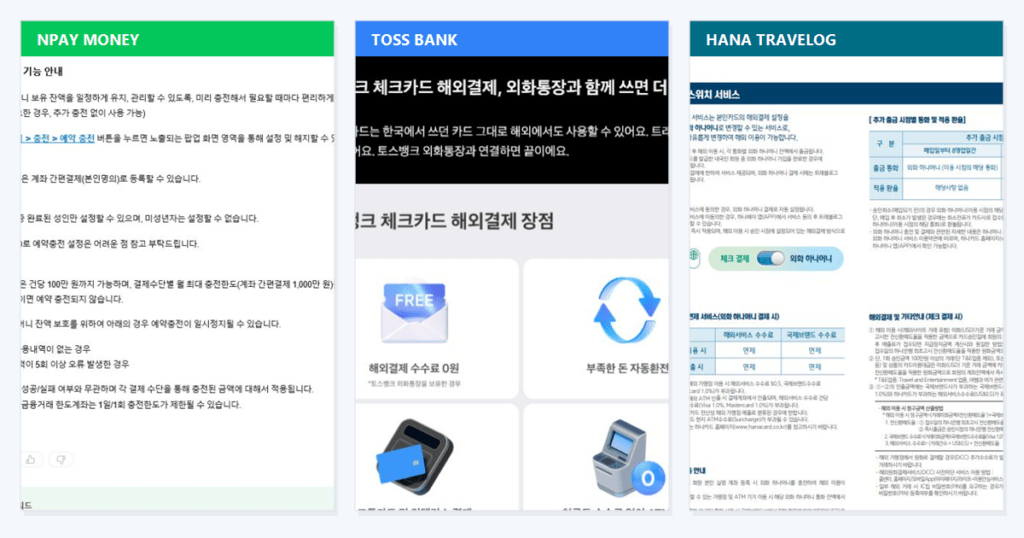
Payment methods for frequent small charges: Domestic vs. overseas comparison
Before setting up your digital subscriptions, let’s compare how the main payment channels in Korea handle statement organization and transaction fees.
| Payment channel | Statement cleanliness | FX fee handling | Best use case |
| Naver Pay / Kakao Pay (point recharge) | Clean (1 monthly entry) | N/A (domestic only) | Webtoons, emoticons, domestic apps |
| Toss Bank / Hana Travlog Card | Moderate (individual entries) | 0% FX fee (fee waived) | App Store, Google Play, overseas creators |
| Standard Korean credit card | Very messy (spammed statement) | High (brand fee 1% + flat bank fee) | Not recommended for small charges |
If your micro-purchases are domestic, using auto-recharge points is the cleanest strategy. For overseas micro-purchases, switching to a fee-waived FinTech card is essential to avoid paying flat bank penalties per transaction.
Domestic micro-purchases: How point recharge systems prevent statement clutter
If you use a standard credit or check card to buy Naver Webtoon ‘Cookies’ or KakaoTalk emoticons, every single 1,000 KRW purchase creates an individual line item on your bank statement. If you buy 50 chapters a month, your personal budgeting app will be spammed with 50 separate micro-entries, making it almost impossible to review your actual living expenses.
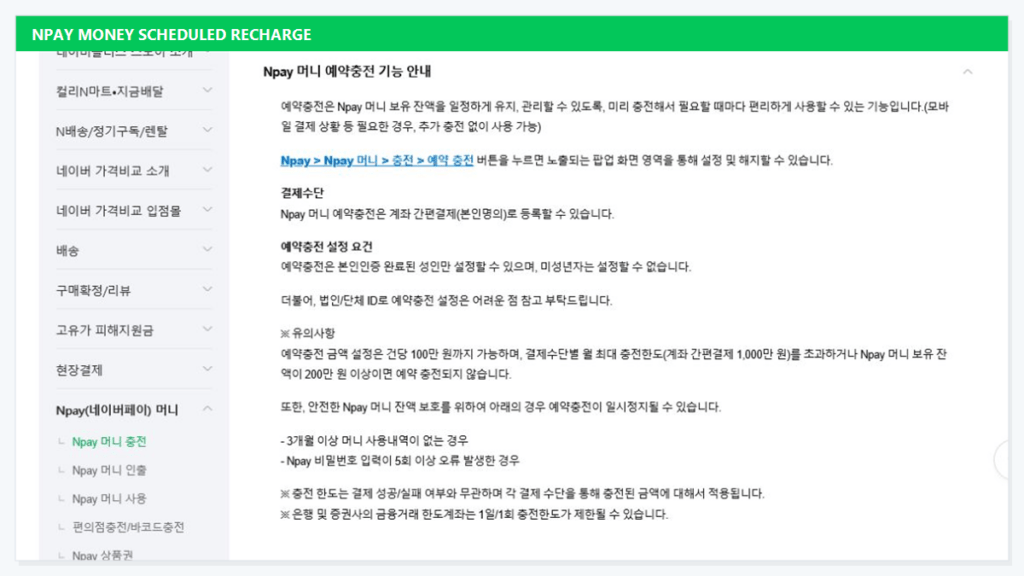
The auto-recharge point solution
Domestic simple payment platforms like Naver Pay and Kakao Pay offer a system called 포인트 충전결제 (point recharge payment). Instead of billing your card 1,000 KRW fifty times, you set up an automatic recharge threshold – for example, charging 50,000 KRW from your bank account whenever your point balance falls below 10,000 KRW.
Your bank statement shows only one clean entry of 50,000 KRW per month. Inside the Naver Pay app, you can still track every individual 1,000 KRW purchase in detail.
Cashback benefits
In Korea, paying with recharged points often yields an additional 1% to 2% point cashback (포인트 적립) compared to direct card billing. You simplify your bookkeeping while getting a discount on every digital item.
3. Overseas app store and creator donations: Avoiding the hidden fee trap
While domestic small charges clutter your statement, overseas microtransactions hurt your wallet directly. If you link a standard Korean credit card to your Apple App Store, Google Play, Patreon, or YouTube Super Chat account, you face a major fee trap.
The math behind the fee trap
Most major Korean credit card issuers apply two separate fees to foreign currency transactions:
- An international brand fee (Visa or Mastercard) of roughly 1% to 1.2%.
- A domestic bank processing fee, which often includes a fixed minimum charge of around $0.50 (approx. 650 KRW) per transaction.
If you buy a $1 in-game item (approx. 1,300 KRW), the 1% brand fee is negligible, but the $0.50 fixed bank fee adds 650 KRW to your purchase. You end up paying nearly 2,000 KRW for a 1,300 KRW item—an effective fee rate of over 35%.
The FinTech card solution
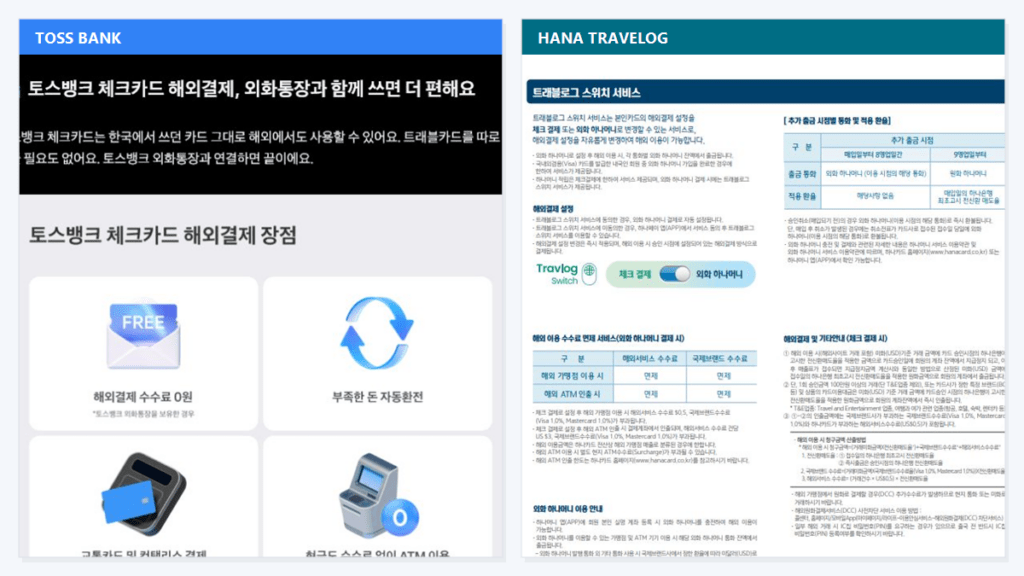
To stop losing money on small foreign charges, switch your overseas app store payment method to a card like Toss Bank Check Card or Hana Travlog. These cards waive both the international brand fee and the Korean bank processing fee. A $1 charge is billed at the exact real-time exchange rate without any added fixed costs.
4. Tailored payment setup for different spending habits
To optimize your microtransaction setup in Korea, organize your payment methods based on what you buy:
- For Webtoon readers and emoticon buyers: Enable Naver Pay or Kakao Pay auto-recharge points. It keeps your monthly bank statement completely clean and earns cashback points automatically.
- For mobile gamers and iOS/Android app buyers: Link your Apple ID or Google account exclusively to a Toss Bank Check Card or Hana Travlog. This neutralizes the fixed foreign transaction fee penalty on $1 to $5 in-app purchases.
- For general financial security: Never link your main salary bank card directly to digital subscription services. Maintain a separate digital wallet balance or a dedicated secondary check card to prevent unauthorized recurring charges from draining your main account.